
You hear the delivery truck pull away, tap the notification, and get nothing but a spinning wheel. By the time your Ring doorbell reconnects, the driver is gone and the clip never saved. If that sounds familiar, you are in good company. Offline doorbell cams and missed motion alerts are one of the most common service calls we get across Brevard County, and lately the requests have come in steadily from Melbourne, Palm Bay, and Viera.
Here is the frustrating part: the doorbell itself is usually fine. The problem is almost always what it is connected to. Before you search for a Ring doorbell installer in Melbourne FL and buy a third replacement unit, it helps to understand why builder-grade and self-installed doorbell cameras keep dropping offline, what a professional installation actually fixes, and how Ring, Nest, and UniFi compare for Florida homes.
Why Your Video Doorbell Keeps Going Offline
Two culprits cause the vast majority of doorbell camera problems we see, and neither one is the camera.
The first is the transformer. Most video doorbells want 16 to 24 volts AC with at least 30VA of power behind them. Builder-grade transformers in many Brevard homes, including plenty of the newer builds in Bayside Lakes and Addison Village, are sized for a simple chime, not a camera that streams HD video and runs motion detection around the clock. An undersized transformer causes brownouts, random reboots, and batteries that never quite reach a full charge.
The second is Wi-Fi. The front door is usually the worst-served spot in the entire house. The router sits in a back closet or a structured wiring panel in the garage, and the signal has to fight through concrete block, stucco, and foil-backed insulation before it ever reaches the porch. A doorbell that shows two bars of Wi-Fi will limp along on a quiet afternoon and fall over the moment the household starts streaming in the evening.
Telltale signs you have a power or Wi-Fi problem rather than a bad doorbell:
- It works fine for a few days, then drops offline for no obvious reason
- Live view takes ten seconds or more to load, or fails entirely
- Motion alerts arrive minutes after the visitor has already left
- The battery drains quickly even though the doorbell is hardwired
- Video quality turns blurry in the evening when everyone is home and online
What a Professional Installation Actually Fixes
A proper video doorbell installation starts with those two failure points. We test the existing transformer and replace it with a correctly sized unit if it is weak, so the doorbell gets clean, stable power. Then we measure the actual Wi-Fi signal at the front door, not in the living room. If it is marginal, the fix might be repositioning your router, adding an access point near the front of the house, or hardwiring the doorbell entirely. Our home networking services team handles that every week, and it usually ends problems homeowners have fought for months.
A pro install also gets the details right. The camera angle is set with wedge mounts so you see faces instead of the tops of heads. The indoor chime is configured properly. Wiring is tucked and sealed against Florida rain, which matters when an afternoon storm blows sideways across the porch. And motion zones are set up to ignore the street, so you stop getting an alert every time a car rolls past.
Ready to fix that flaky doorbell cam for good? The Electpros serve all of Brevard County, including Melbourne, Palm Bay, Viera, and Titusville, with same-day and next-day availability. Call (321) 655-PROS or book online at theelectpros.com.
Ring vs Nest vs UniFi: Which Doorbell Fits Your Brevard Home?
Ring is the most popular choice for good reason. The hardware is affordable, the app is simple, and it works smoothly with Alexa. The tradeoff is the subscription, which you will want, because without it the doorbell does not save recordings. For most families in Palm Bay and West Melbourne, a hardwired Ring on a properly sized transformer is the sweet spot of price and simplicity.
Nest doorbells shine in Google households. Person detection and package alerts are excellent, and if you already run Google Home with Nest speakers, the doorbell announces visitors through them. Like Ring, the full feature set lives behind a monthly plan.
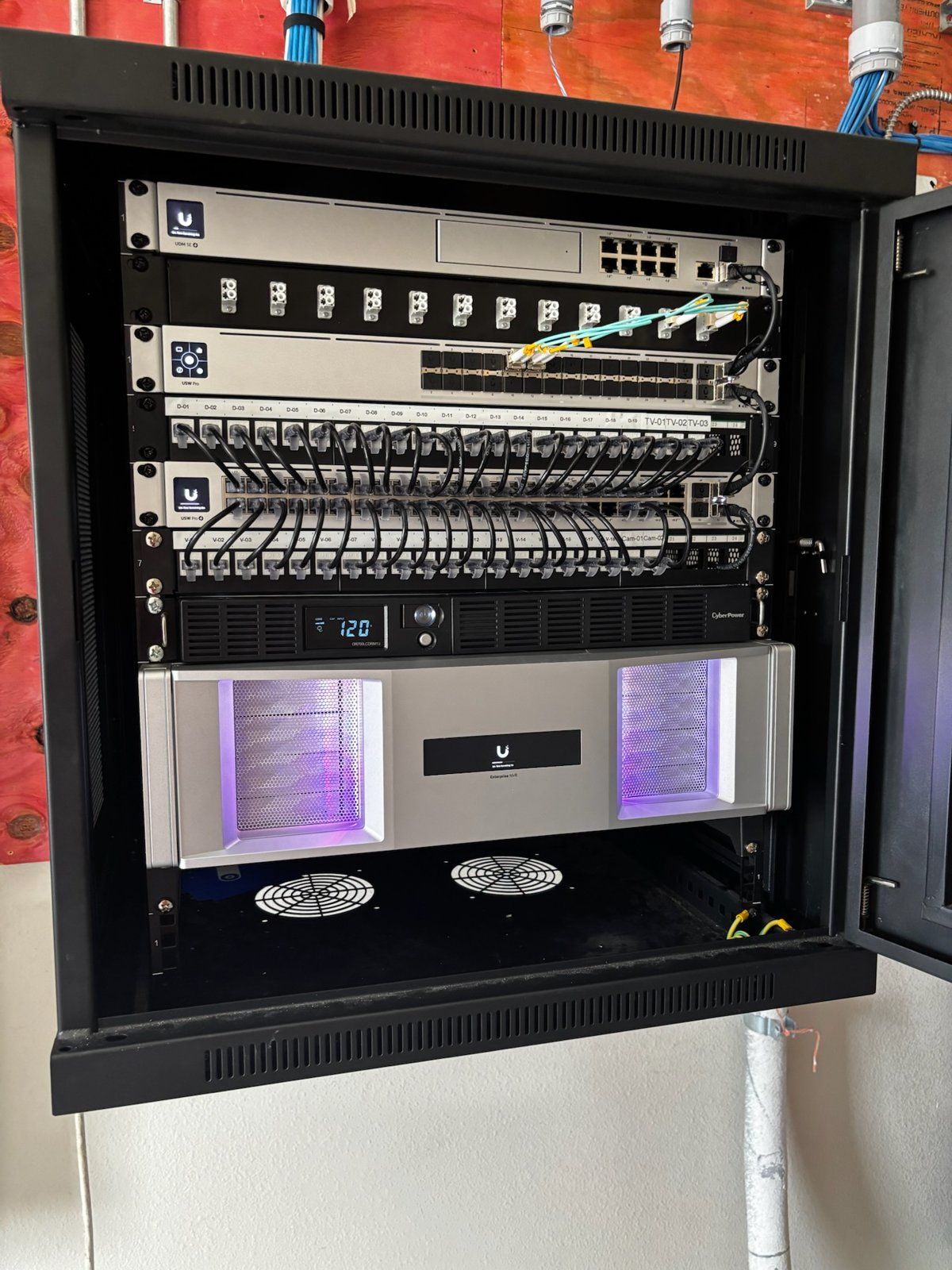
UniFi is the pick for homeowners who want no monthly fees and full local control. Footage records to a controller inside your home instead of the cloud, and the doorbell ties into the same system as whole-home security cameras and access points. It is the route we recommend most often for new construction in Viera, where we can run the wiring before drywall goes up. If you are building, our guide to smart home wiring for new construction covers exactly what to rough in and when.
Do You Need an Electrician to Install a Video Doorbell?
Usually not. Video doorbells run on low-voltage wiring, the same class as your thermostat, so a licensed electrician is not required for a standard install or replacement. Where homeowners get stuck is the transformer, which often hides in the attic, a closet, or next to the electrical panel, and the network work needed to make the camera reliable. That is exactly what a low-voltage integrator does all day. Our video doorbell installation service covers the transformer check, the mount, the Wi-Fi, and the app setup in one visit, and the doorbell stays online after we leave.
A video doorbell should be the simplest smart device in the house. Answer the door from your phone, watch packages land safely on the porch, and keep a recorded history of everyone who walks up. If yours has turned into a gadget you reboot every week, the fix is usually a single visit. Call (321) 655-PROS or book online at theelectpros.com, and we will have your front door covered before the next delivery shows up.