
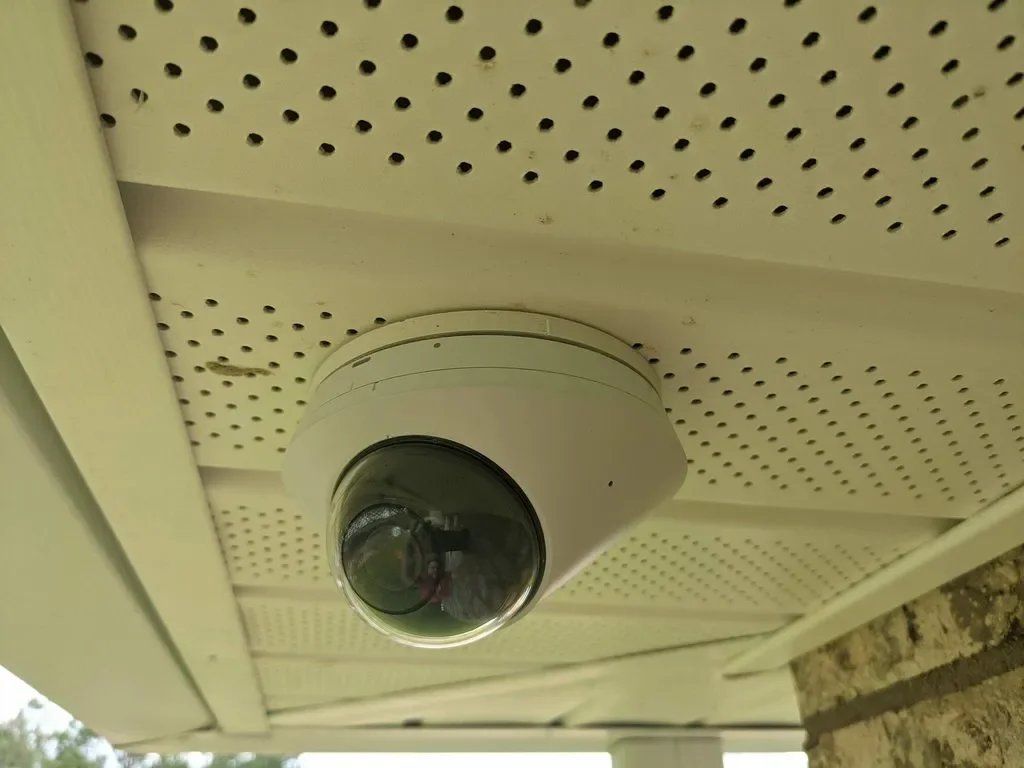
Two searches keep showing up in our Google Business Profile data every single week: "home security cameras with NVR Melbourne FL" and "Reolink who installs in Melbourne Florida." Those aren't people shopping for a service. Those are people who already picked their hardware, or think they have, and now they need someone to run the cable and set it up right.
So let's talk about the gear instead of the sales pitch. Here's what an NVR actually is, why the wiring matters more than the camera in a Florida climate, and an honest read on UniFi, Reolink and the big-box kits.
What Is an NVR, and Do You Actually Need One?
An NVR is a Network Video Recorder. It's a small box that sits in a closet or rack, connects to your cameras over network cable, and writes the footage to hard drives you own. Nothing leaves the house unless you ask it to.
That's the whole difference from a cloud camera. A Ring or a Nest keeps your video on somebody else's server and rents it back to you monthly. An NVR keeps it on a drive in your hall closet. We covered the money side of that argument in detail already, so we won't relitigate it here.
If you're mostly trying to escape a monthly bill, start with our guide to security cameras that work without a subscription. This post is about the hardware itself.
Do you need one? Honestly, not always. If you want two cameras watching a front door and a driveway, a couple of good Wi-Fi cameras with SD cards will do the job. The NVR starts earning its keep at about four cameras, or the moment you care about keeping footage for more than a few days.
Signs an NVR is the right call:
- Four or more cameras, especially if any are 4K
- You want 30 days of continuous recording, not just motion clips
- You have a detached garage, dock, or long driveway where Wi-Fi gets thin
- You don't want your footage sitting on a company's server
- You're already running structured cabling for other reasons
PoE Cable Is the Part That Fails, Not the Camera
Every NVR system we install runs on PoE, Power over Ethernet. One Cat6 cable carries both the video and the power, so there's no separate outlet at the camera and no battery to swap. It's the reason a wired system is worth the labor.
It also matters a great deal more here than it does in Ohio. Brevard summers put attic temperatures over 130 degrees and the humidity gets into everything. The failures we get called out for are almost never the camera itself. They're a connector crimped in the attic with no strain relief, an outdoor-rated jacket that was actually indoor cable, or a splice sitting in a soffit collecting condensation.
On the Tropical Trail riverfront homes on Merritt Island we deal with salt air on top of the heat, which eats cheap connector plating within a couple of seasons. We terminate outdoor runs in a sealed enclosure, use gel-filled connectors on exposed splices, and keep the drip loops where they belong. It adds maybe an hour to a job and it's the difference between a system that lasts eight years and one you're troubleshooting next spring.
If your house doesn't have network cable in the walls yet, that's the real project. Our home networking and structured cabling work usually gets bundled with a camera install, because we're already in the attic.
How Much Storage Do You Actually Need?
This is where the big-box kits mislead people. A box that says "2TB included" sounds generous until you do the math on 4K.
Rough numbers for continuous recording, which is what most people actually want:
- Four 4K cameras, 24/7: about 6TB for 30 days
- Eight 4K cameras, 24/7: about 12TB for 30 days
- Eight cameras on motion-only recording: roughly a third of that
- Add a second drive if you want the system to survive one failing
Two practical notes. Use surveillance-rated drives, not desktop drives, because they're built for constant writes. And be realistic about retention. Most homeowners look at footage within 48 hours of something happening. Fourteen days covers nearly every real situation, and 30 is plenty unless you travel for long stretches, which matters more if your Melbourne Beach or Suntree place sits empty for part of the year.
Ready to get cameras wired the right way? The Electpros serve all of Brevard County, from Melbourne and Palm Bay to Viera and Titusville, with same-day and next-day availability. Call (321) 655-PROS or book online at theelectpros.com.
UniFi vs Reolink vs the Big-Box Kits
We install all three tiers depending on the house and the budget. Here's the straight version.
UniFi Protect
This is what we install most, and what's in most of the Suntree and Baytree homes we've done. The recorder and cameras are one system, the app is genuinely good, there's no subscription, and it plays nicely with UniFi networking gear if you're already running it. Person and vehicle detection works well enough that you stop ignoring your alerts. It costs more per camera and Ubiquiti's stock comes and goes, but nothing in this price range holds up better over five years.
Reolink
Reolink gets searched by name around Melbourne constantly, and there's a good reason. You get 4K PoE cameras and an 8 or 16 channel NVR for a fraction of what UniFi costs, with no monthly fee. The image quality on their current PoE line is genuinely fine. The software is rougher, the app is slower, and the smart detection produces more false alerts. But for a homeowner who wants eight cameras and doesn't want to spend four figures on hardware, it's honest value. We install plenty of it and we'll tell you where it falls short before you buy.
Big-box kits
The all-in-one boxes from the warehouse stores are usually rebranded hardware with locked-down firmware, thin cable, and pre-made connectors that don't survive an attic. If you already bought one, we'll install it and we'll usually replace the cable that came in the box. Just know the recorder is the part that tends to die first, and replacing it often means replacing the cameras too, because it won't talk to anything else.
If you're deciding, the short version: Reolink if budget leads, UniFi if you plan to stay in the house.
What an Install Actually Looks Like
A typical four to six camera job on a single-story Brevard home is a one-day install. We walk the property first and figure out placement, which is the part that matters most. Cameras aimed at where someone approaches, not just mounted at the corners of the house. Then we pull PoE runs back to a central point, mount and aim, set up the recorder, and sit down with you and the app before we leave.
Two-story homes, block construction, and the older riverfront places take longer because the cable paths are harder. Beachside condos have their own rules about exterior mounting that we'll sort out with your association before anything gets drilled.
You can see the full scope of our home security camera installation work, or call and we'll talk through what your property actually needs. We don't sell cameras you don't need, and we'll tell you if two would cover it as readily as six.
Call (321) 655-PROS or book online. We cover Melbourne, Palm Bay, Viera, Rockledge, Merritt Island, Titusville and the beaches.