
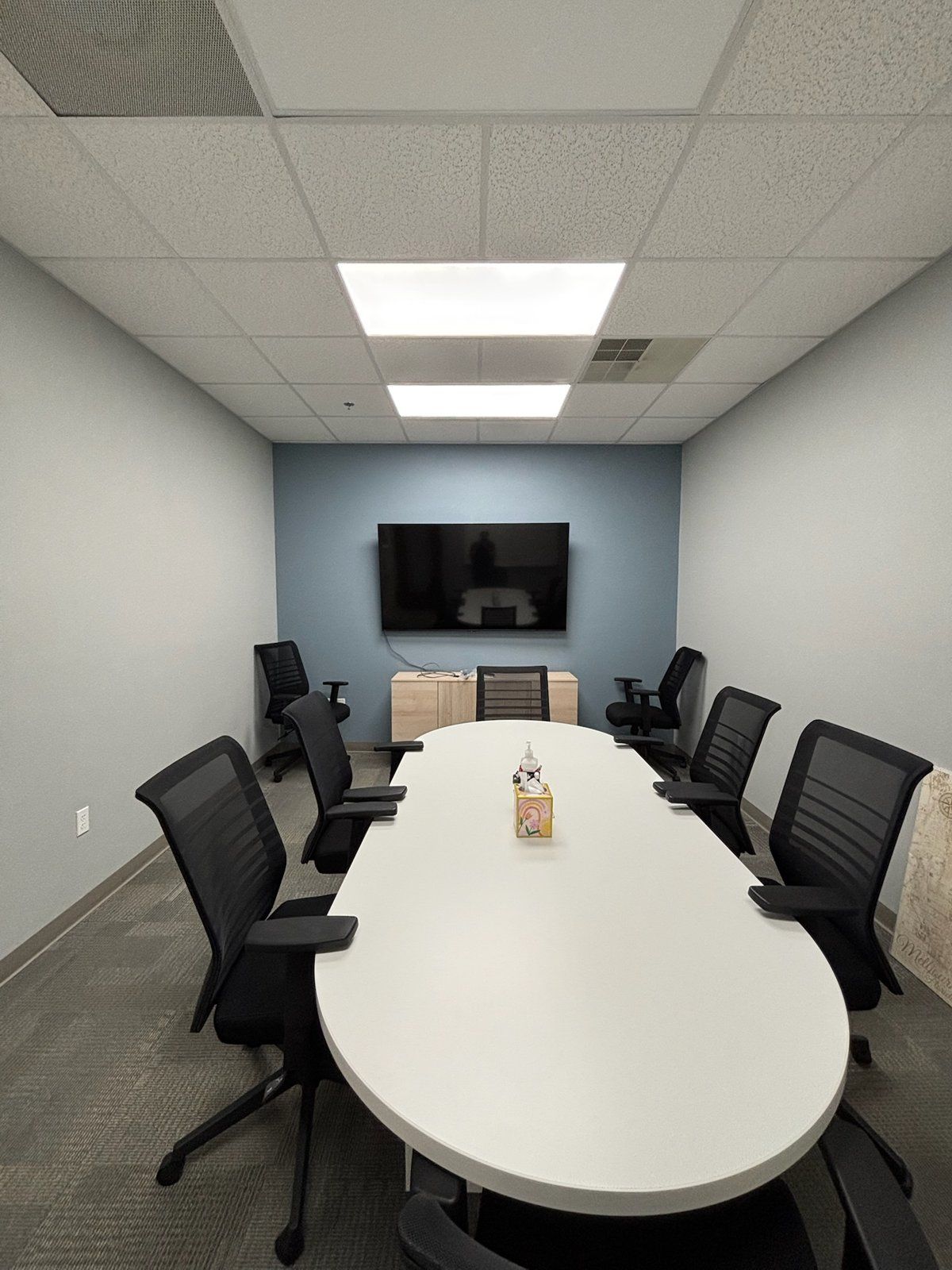
Every November the same request comes in from businesses across Melbourne, Viera and Palm Bay: the training room has to be ready before the January all-hands. Sometimes it is a new office with an empty room. More often it is an existing room with a 65-inch TV on a cart, a laptop with the wrong dongle, and a presenter who ends up shouting so the back row can hear. The people in the last three rows cannot read the spreadsheet, the remote attendees on Teams can see the presenter's forehead and nothing else, and the January onboarding class spends the first 15 minutes waiting for the screen to connect.
A training room is not a big conference room. It is a different build with different goals, and this guide walks through what a 20 to 40 person room actually needs so the room works on day one and keeps working through every lunch-and-learn, continuing education session and quarterly meeting after that.
Why a Training Room Is a Different Build From a Boardroom
A boardroom or a certified Microsoft Teams Room is built around one table. Eight to twelve people sit within 15 feet of a single display, one camera covers the whole table, and a soundbar with built-in mics handles the audio. That design falls apart the moment you put 30 chairs in rows.
In a training room the audience faces one direction, the farthest seat might be 35 or 40 feet from the screen, the instructor moves around, and half the attendees may be joining from home or from a second office. The medical education teams near Holmes Regional run clinical refreshers this way. The aerospace suppliers between Melbourne and Cape Canaveral use the same kind of room for safety briefings and new-hire onboarding. The real estate and insurance brokerages along Wickham Road use theirs for licensing continuing education and agent training. Each of these rooms needs the same core pieces.
What AV Equipment Does a Training Room Need?
Here is the equipment list that covers a 20 to 40 person room in nearly every case we design on the Space Coast:
- Two displays or one large LED wall. The rule is simple: the back row has to read a spreadsheet cell without squinting. For a room 30 feet deep, that means either two 86-inch displays mounted side by side, or a single direct-view LED wall that stays bright with the lights up. A projector in a room with windows is the most common thing we replace.
- Ceiling microphone arrays and voice lift. Ceiling mics pick up the instructor and the audience without anyone passing a handheld. Voice lift feeds the instructor's voice through ceiling speakers at a level the room barely notices, so the back row hears every word and the presenter never has to project.
- A presenter camera plus an audience camera. Remote attendees need to see the person teaching, and the person teaching needs to see who is raising a hand. One tracking camera on the front wall follows the instructor. A second camera on the back wall covers the room. The system switches between them based on who is talking.
- Wireless presentation. A visiting instructor or a vendor rep should be able to walk in with any laptop and be on screen in seconds. Wireless presentation removes the dongle hunt and the HDMI cable that stopped working in March.
- A room scheduling panel at the door. Training rooms get double-booked constantly. A small panel outside the door tied to the Microsoft 365 or Google calendar shows who has the room and lets staff book the next open slot without opening a laptop.
- Acoustic treatment. Most Brevard office buildings have tile or polished concrete floors and drywall on every side. That room will echo, and the echo wrecks both the in-room audio and the microphone pickup. A few acoustic panels on the right walls solve it.
- One-touch control. A single touch panel at the lectern with buttons like Start Class, Join Teams Meeting and Shut Down. If a new office manager cannot run the room after a two-minute walkthrough, the control system is too complicated.
Looking for reliable IT support in Brevard County? The Electpros serve Melbourne, Palm Bay, Viera, Titusville, and the entire Space Coast with same-day availability. Call (321) 655-PROS or book a free consultation at theelectpros.com.
The Hybrid Half: Making Remote Attendees Real Participants
Almost every training room we build in Melbourne and Viera now runs at least one session a week with remote attendees. A Palm Bay engineering firm trains its field staff in Titusville from the main office. A Health First affiliated practice runs the same compliance module for three locations at once. The hybrid half of the room is where the cheap setups fail hardest.
The fix is a proper room system, not a laptop webcam. The ceiling mics, both cameras and the displays all feed one appliance that joins the Teams or Zoom meeting as the room itself. Remote attendees see the instructor and the slides in separate windows, hear every in-room question through the ceiling mics, and appear on one of the two displays so the instructor can see them too. That is the difference between a remote attendee who participates and one who mutes and checks email.
Year-End Timing: Getting the Room Done Before January
November is when this project either happens or slips to spring. Display and LED lead times run two to four weeks right now, and the room needs a design, a walk-through, possibly some cabling and acoustic work, then install and testing. A room approved the week before Thanksgiving is realistic for a December finish. A room first discussed on December 15 is a January room at best.
There is also a financial reason many businesses push to have the equipment installed and in service before December 31. Ask your CPA whether a Section 179 deduction applies to the purchase this tax year. That is a question for your accountant, not for us, but it is worth asking before you decide between a December install and a February one.
What a Training Room Build Looks Like With The Electpros
We start with a site visit to measure the room, check sight lines from the last row, look at the floor and wall surfaces, and find out how the room is actually used. From there we design the system, quote it as a flat project price, handle the cabling and mounting, and leave you with a room that an office manager can run from one touch panel. Our conference room AV installation team handles the AV side, and because we are also a commercial IT provider, the room joins your network, your calendar and your Teams tenant correctly instead of living on a guest Wi-Fi password taped under the lectern.
If you have a training room, a multipurpose room or an all-hands space anywhere from downtown Melbourne to Viera to the Palm Bay commerce corridor that has to be ready before January, now is the week to start. Call (321) 655-PROS or book a free consultation at theelectpros.com and we will walk the room with you before Thanksgiving.